← Back to Skins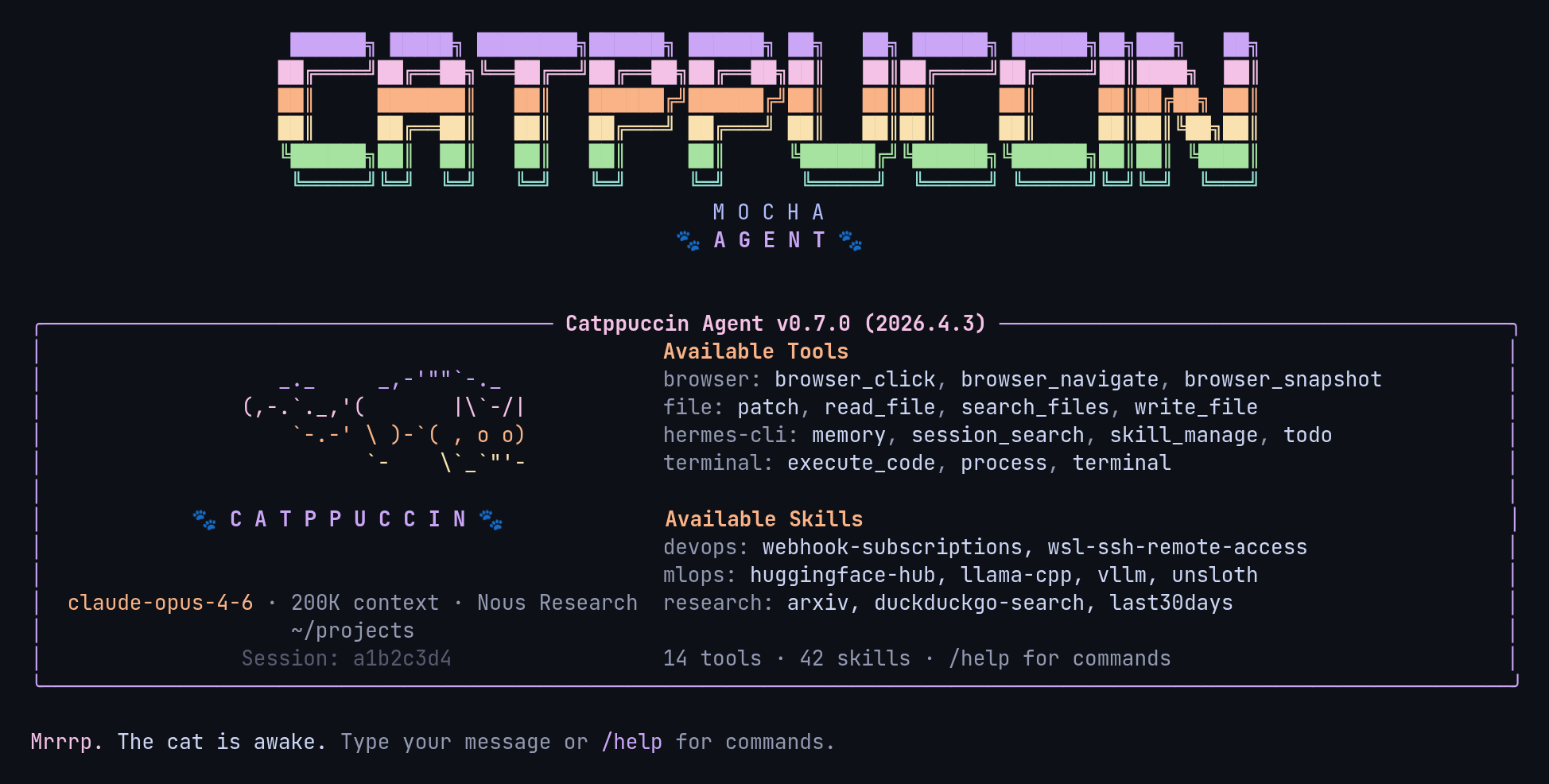 ↓ Download catppuccin
ASCII Art
[#cba6f7]       _._     _,-'""`-._    [/]
[#f5c2e7]      (,-.`._,'(       |\`-/|[/]
[#fab387]          `-.-' \ )-`( , o o)[/]
[#f9e2af]                `-    \`_`"'-[/]
[#9399b2]                             [/]
[bold #f5c2e7]🐾[/] [bold #cba6f7]C A T P P U C C I N[/] [bold #f5c2e7]🐾[/]
catppuccin
Catppuccin Mocha — soothing pastels (mauve, pink, peach, lavender) on a warm dark base, with a little ASCII cat in the banner
↓ 257 downloads
★★★★★5 (2 ratings)
Rate:
1. Install — Option A (one-liner)
curl -L https://hermesskins.io/api/items/catppuccin/download -o ~/.hermes/skins/catppuccin.yaml
2. Install — Option B (manual)
mv ~/Downloads/catppuccin.yaml ~/.hermes/skins/
The file saves to your Downloads folder — move it into place.
3. Activate (inside Hermes)
/skin catppuccin
Start Hermes, then at the Hermes prompt — inside the TUI, not your shell — type the command above.Switches for this session. To make it your default, set it in ~/.hermes/config.yaml.